
 CREATIVE INTELLIGENCE STUDIO
Web & digital
Your website is live. Now what?
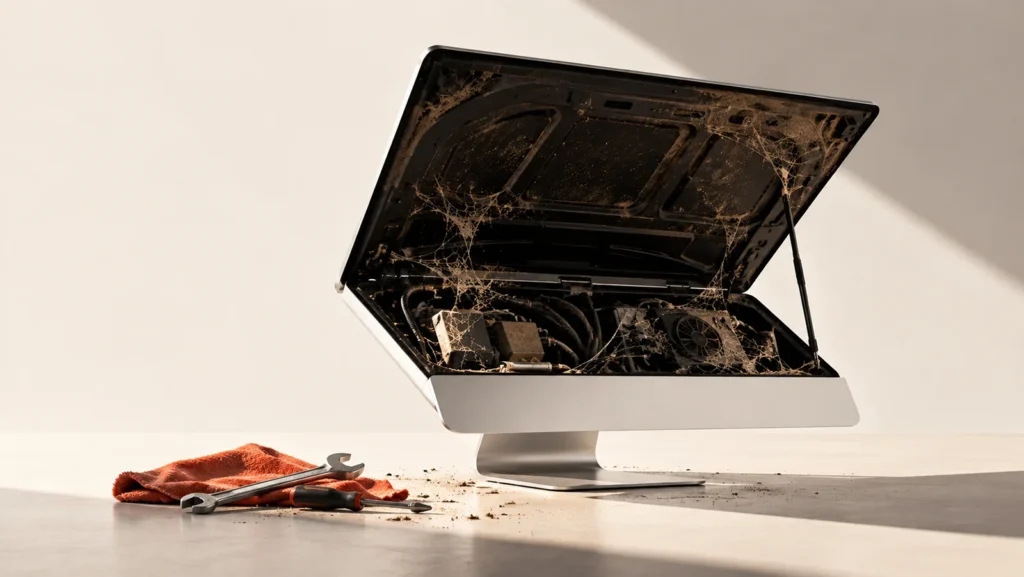
It’s done! Your new website is live. The design looks great, everything works, and you’re pretty proud of the result.
Then the weeks go by. The months. The years.
Four years later, your site is still there. Holding down the fort. Nobody’s touched it, but hey… it still works, right?
Not so fast.
A website isn’t a printed brochure you can tuck away in a drawer. Technology evolves, browsers change, and security vulnerabilities don’t take vacations.
And just because a website looks fine doesn’t mean everything is running smoothly under the hood.
An outdated plugin, a form that no longer delivers messages, backups that don’t exist… Unpleasant surprises sometimes have impeccable timing.
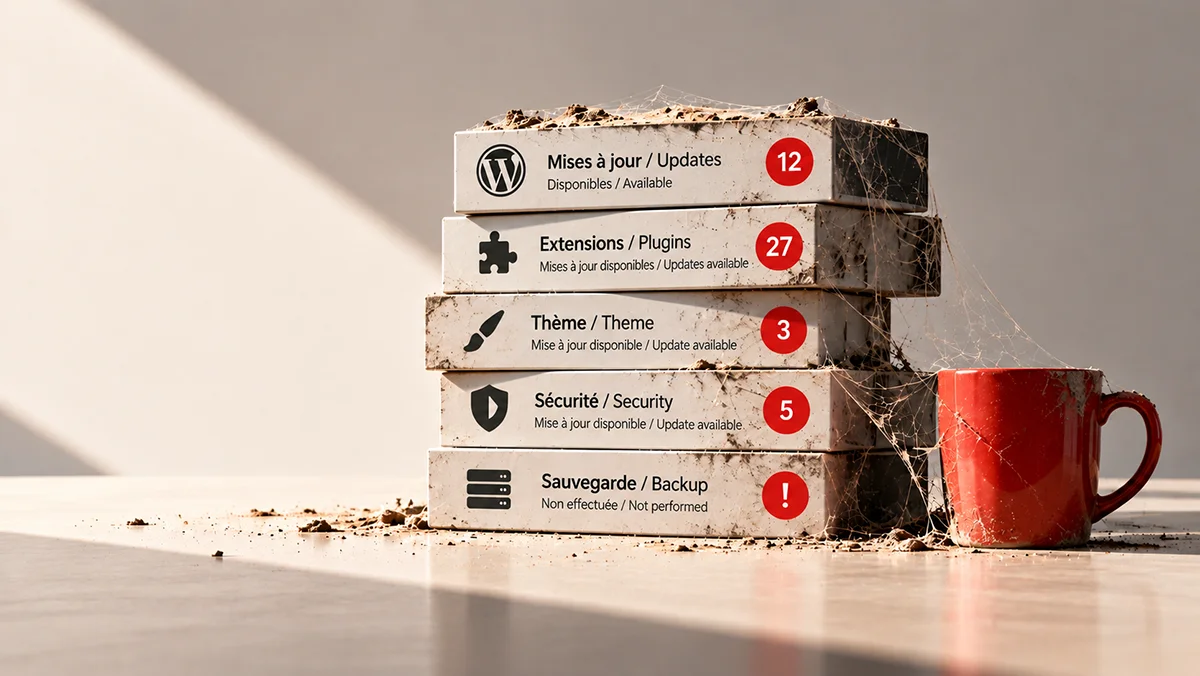
Hosting isn’t maintenance.
Paying your annual hosting bill doesn’t automatically mean someone is taking care of your website. Updates, backups, and technical checks are a separate job.
And beyond the technical side, there’s another question worth asking: does your website still reflect the business you run today?
Your services may have evolved. Your brand may have too. Your website, meanwhile, might still be stuck in 2022.
A website doesn’t need to be constantly rebuilt. But a little maintenance and a few adjustments along the way can keep it from aging before its time.
Where do we start?
Start by browsing your website as if you were a new client. On your phone, too. Do the services listed still reflect what you offer? Are your contact details up to date? Is it easy to find information and get in touch?
Send a message through your contact form. Click your links. These small steps can sometimes uncover a problem that’s been costing you opportunities for weeks.
Then take a look behind the scenes: when was your last backup? Who handles the updates? If the answer starts with “I think…”, it’s worth a quick check.

After all, it works for you 24 hours a day. It might be a good idea to check in on it.